
Wedding seating chart maker
- Automatically pull in your confirmed guests
- Build floor plans for your ceremony, reception, and more
- Download, print, and share in just a few clicks
How to make your wedding seating chart
Learn how to organize a wedding seating chart in four simple steps.
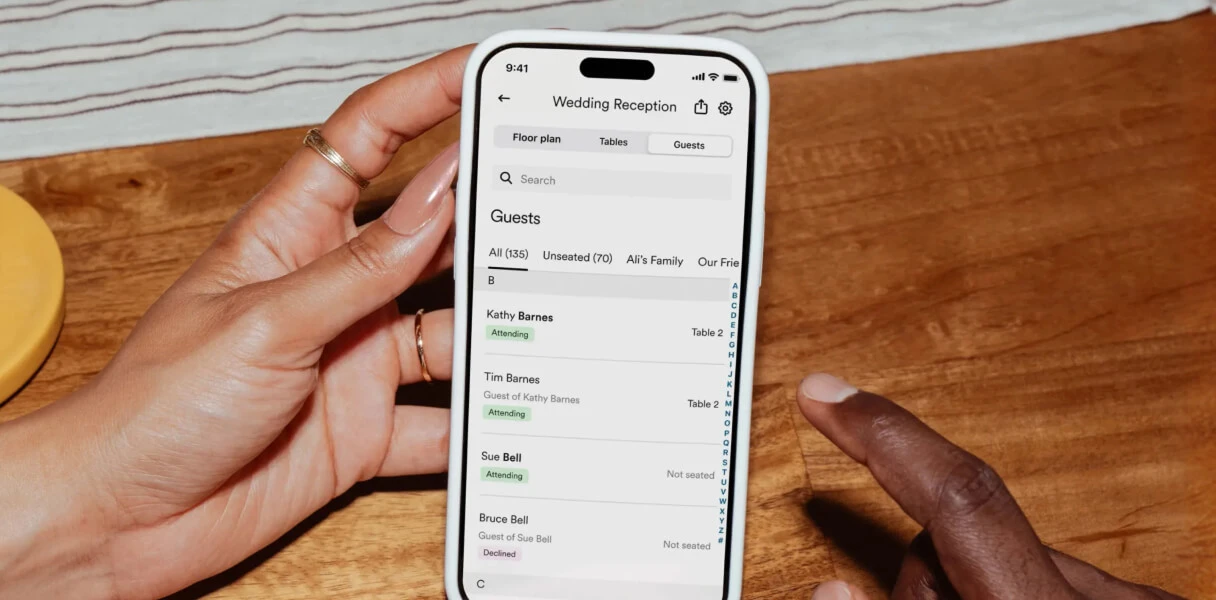
Start with your guest list
No importing. No manual entry. Your confirmed guests are automatically pulled in from your Zola wedding guest list, with groups like family, coworkers, and college friends already grouped out to help you get started faster.
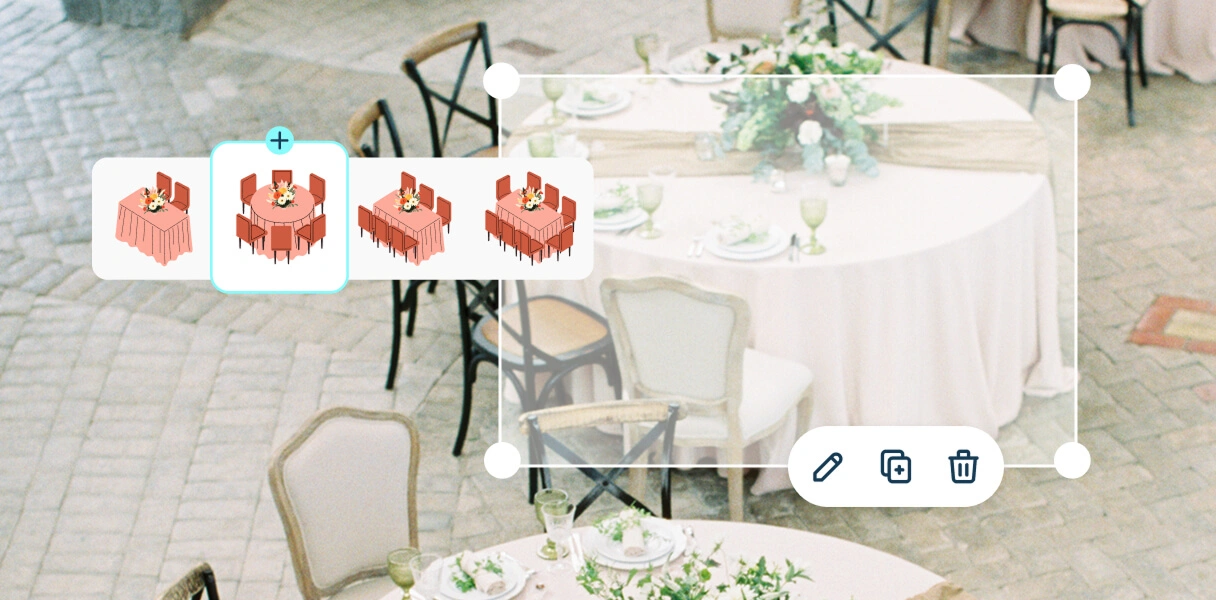
Build your floor plan
Drag and drop round or rectangular tables, set your seat count, and customize your wedding table layout with spaces like the dance floor, bar, cake table, and head table. You can also create separate floor plans for your ceremony, rehearsal dinner, and reception, all in one place.
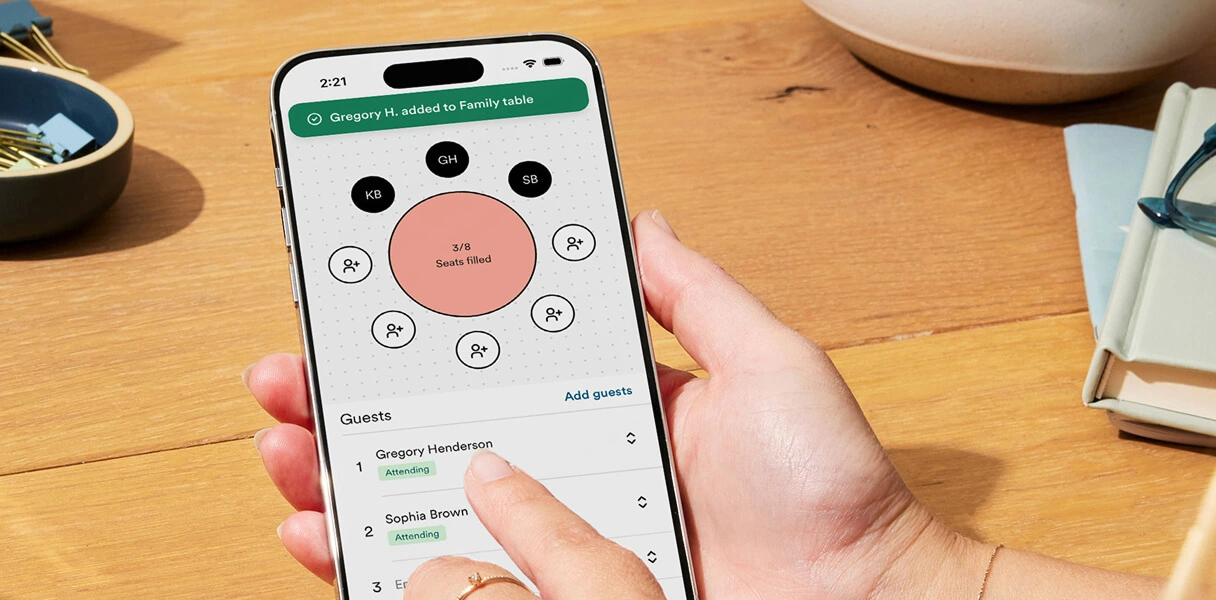
Assign your guests
Start by seating family and friends together, then refine your layout using group tags, dietary restrictions, or custom labels. Last-minute RSVP change? No problem. Simply rearrange your seating plan without starting over.
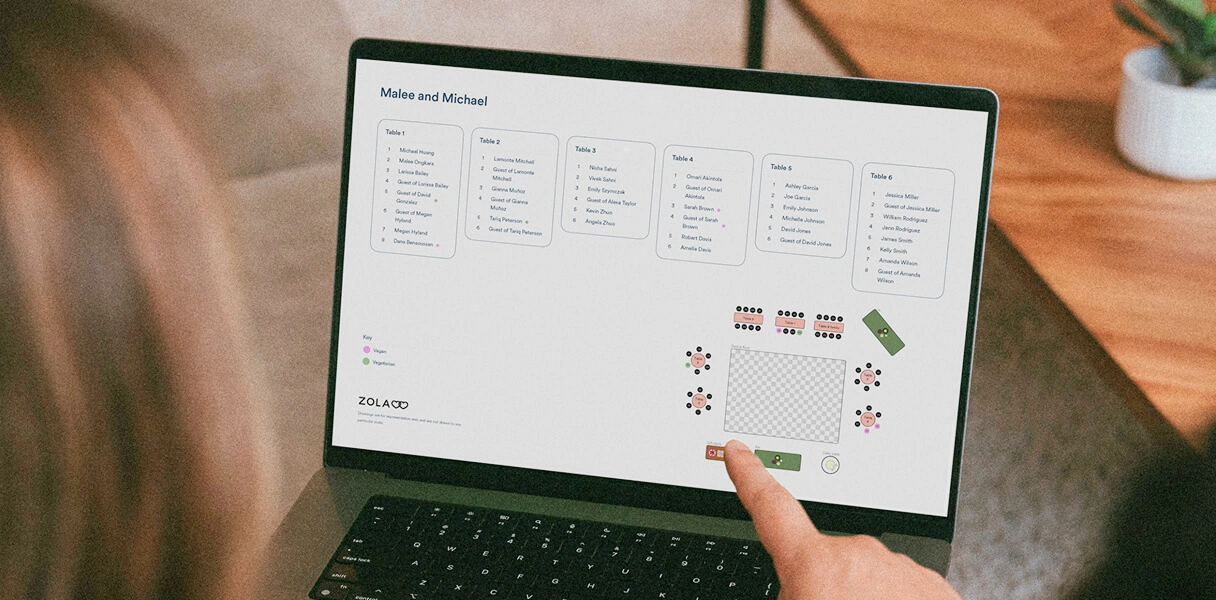
Download and share
Once everything looks just right, download a print-ready PDF to share with your venue, planner, or coordinator. You can also use it as the foundation for your printed seating chart display on your wedding day.
Built for every wedding and every guest count
Whether you're seating 30 guests or 300, one event or three, our wedding seating chart tool makes it easy.
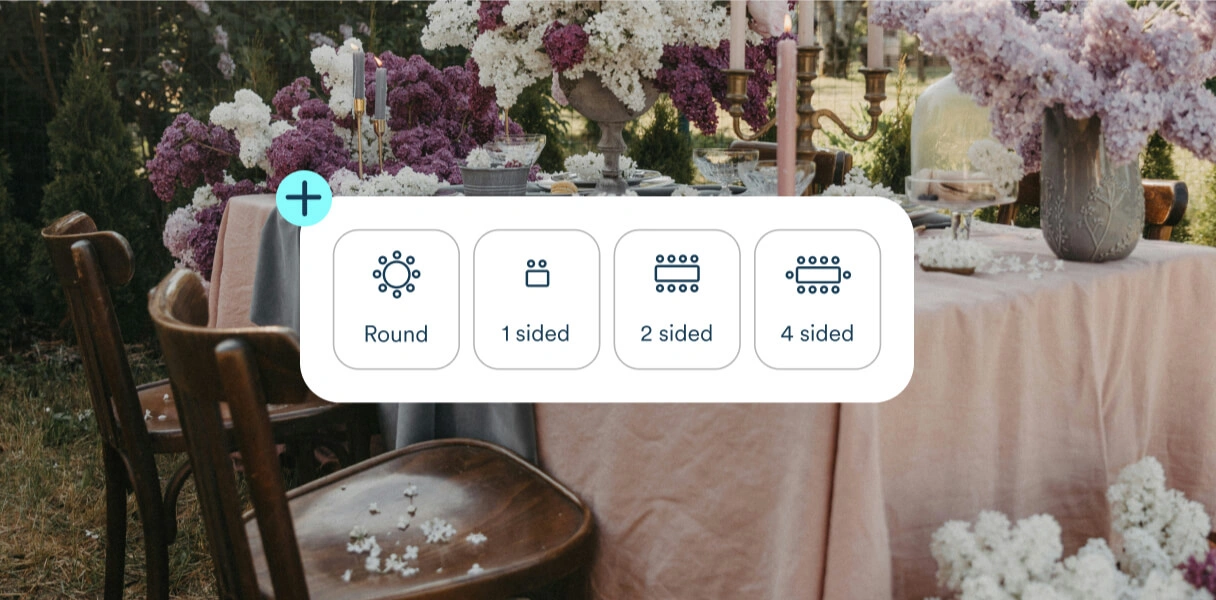
Small weddings (<50 guests)
Seat guests table by table in minutes with our wedding seating chart maker. No complicated setup, just a simple way to organize your celebration.
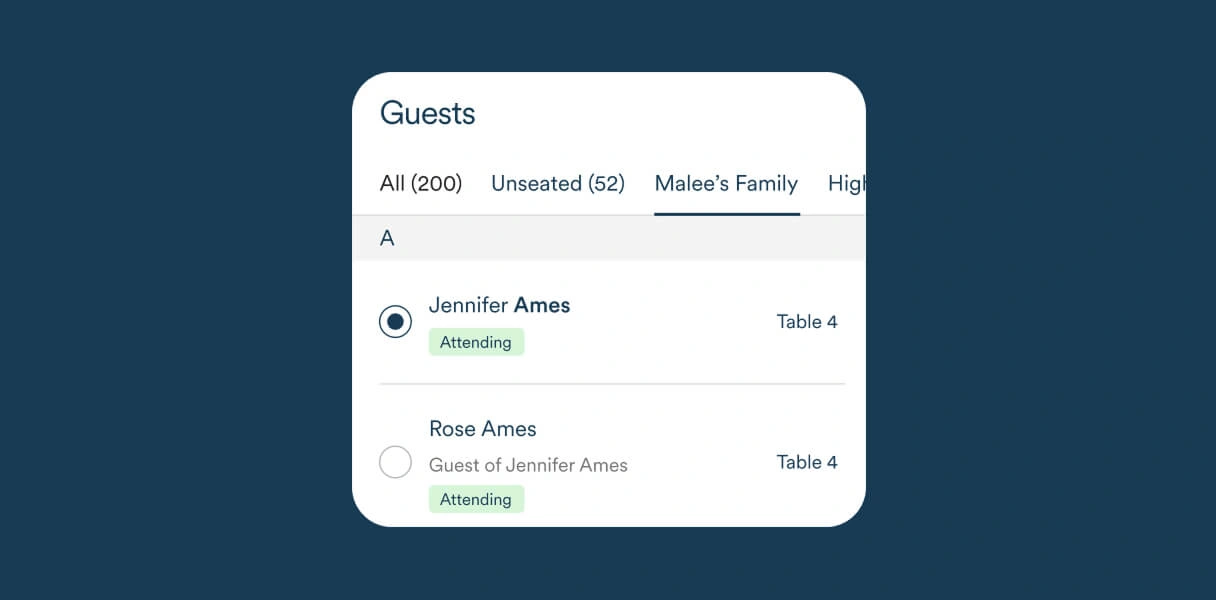
Large weddings (100-200+ guests)
Big guest list? No problem. Group tags, alphabetical sorting, and smart organization make even the largest wedding seating charts easy to manage.
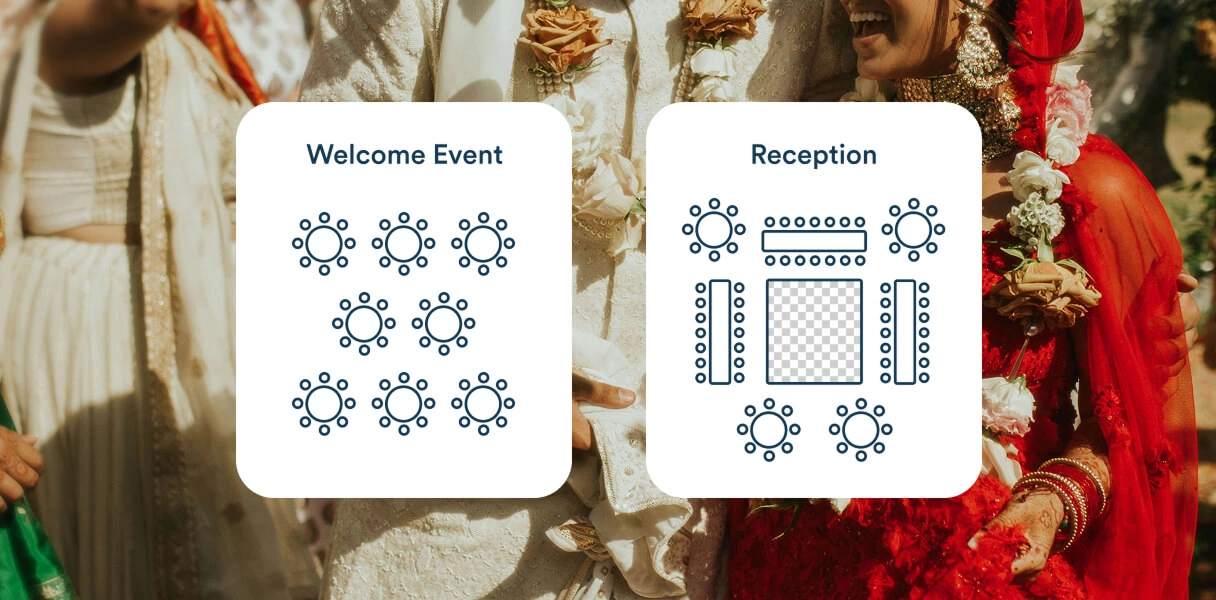
Multiple events
One wedding seating chart tool for every event. Create separate floor plans for your rehearsal dinner, ceremony, and reception, each with its own tables, layouts, and seating plan.
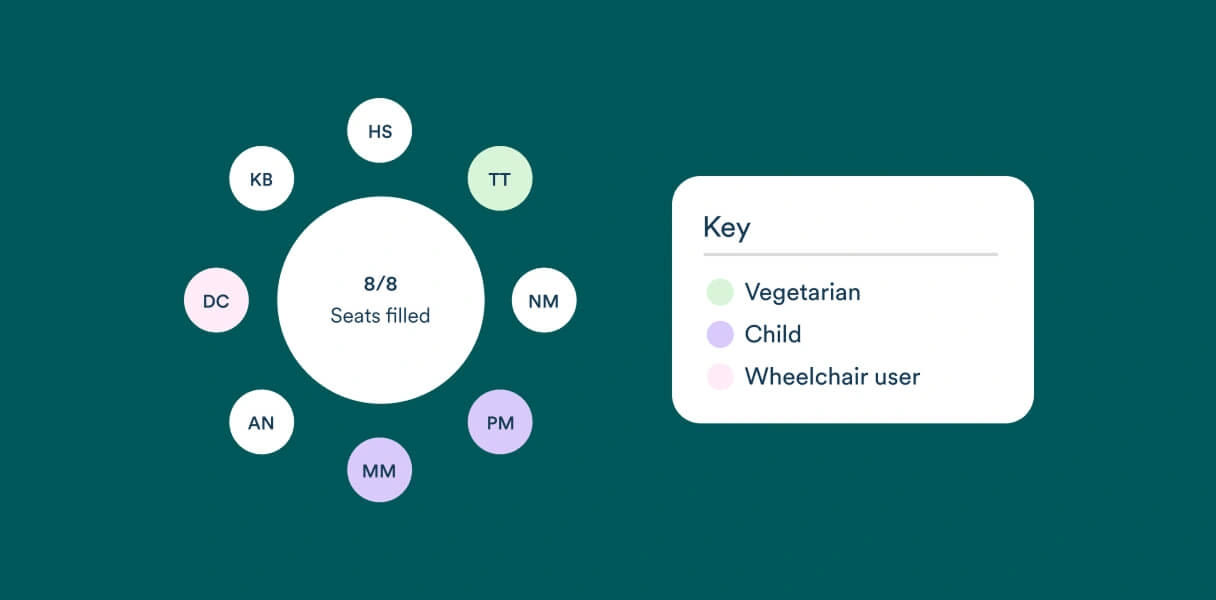
Dietary and custom tagging
Keep every meal organized. Tag guests by meal choice, dietary restriction, or custom labels so your seating plan stays organized, and your caterer has exactly what they need.
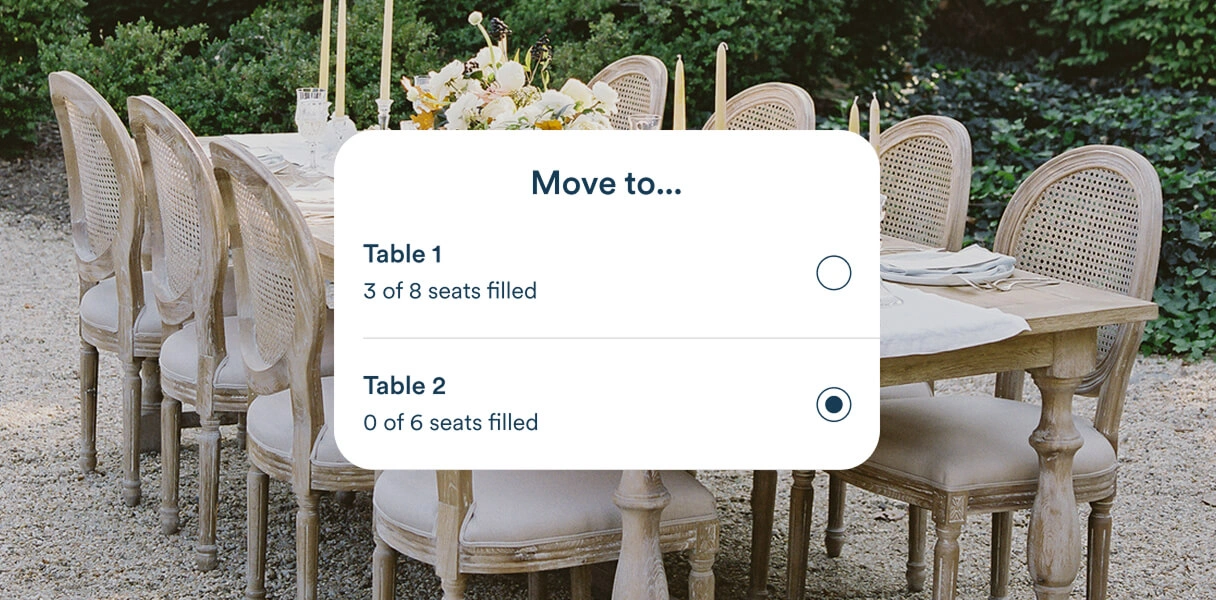
Last-minute changes
Wedding plans change. Your seating chart can, too. Move guests to a new table in seconds, then re-download your wedding seating chart without starting over.
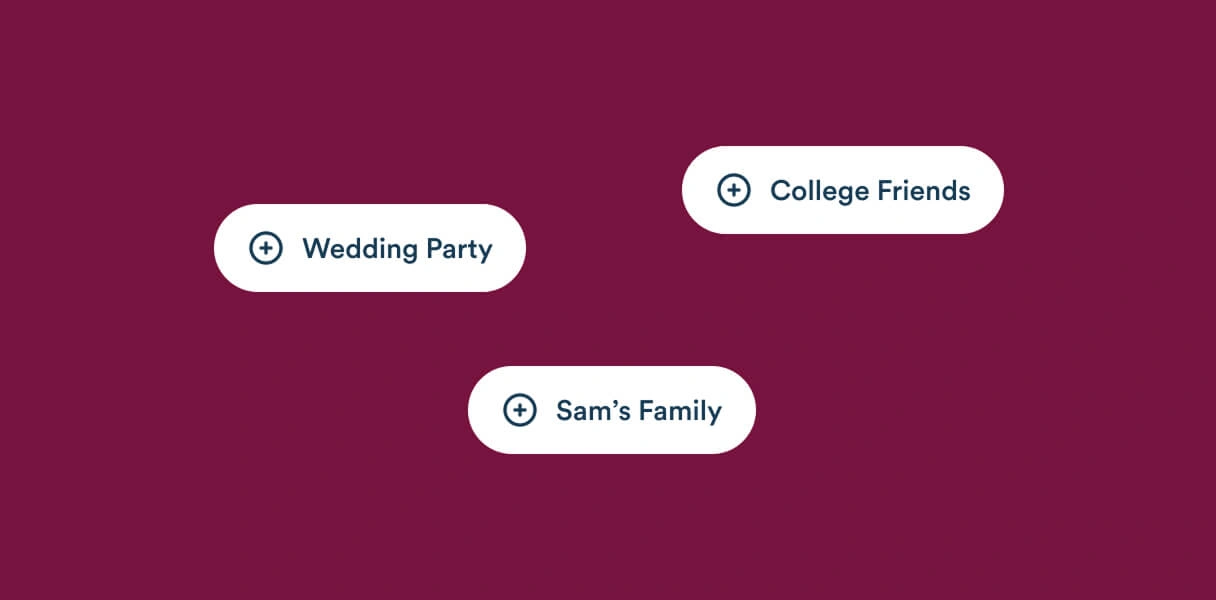
Group-based seating
Seat groups first, then fine-tune guest seats one by one. Start with family, friends, coworkers, or any custom group, then make adjustments as your guest list evolves.
Wedding seating chart etiquette
The unwritten rules of wedding seating arrangements, written down.
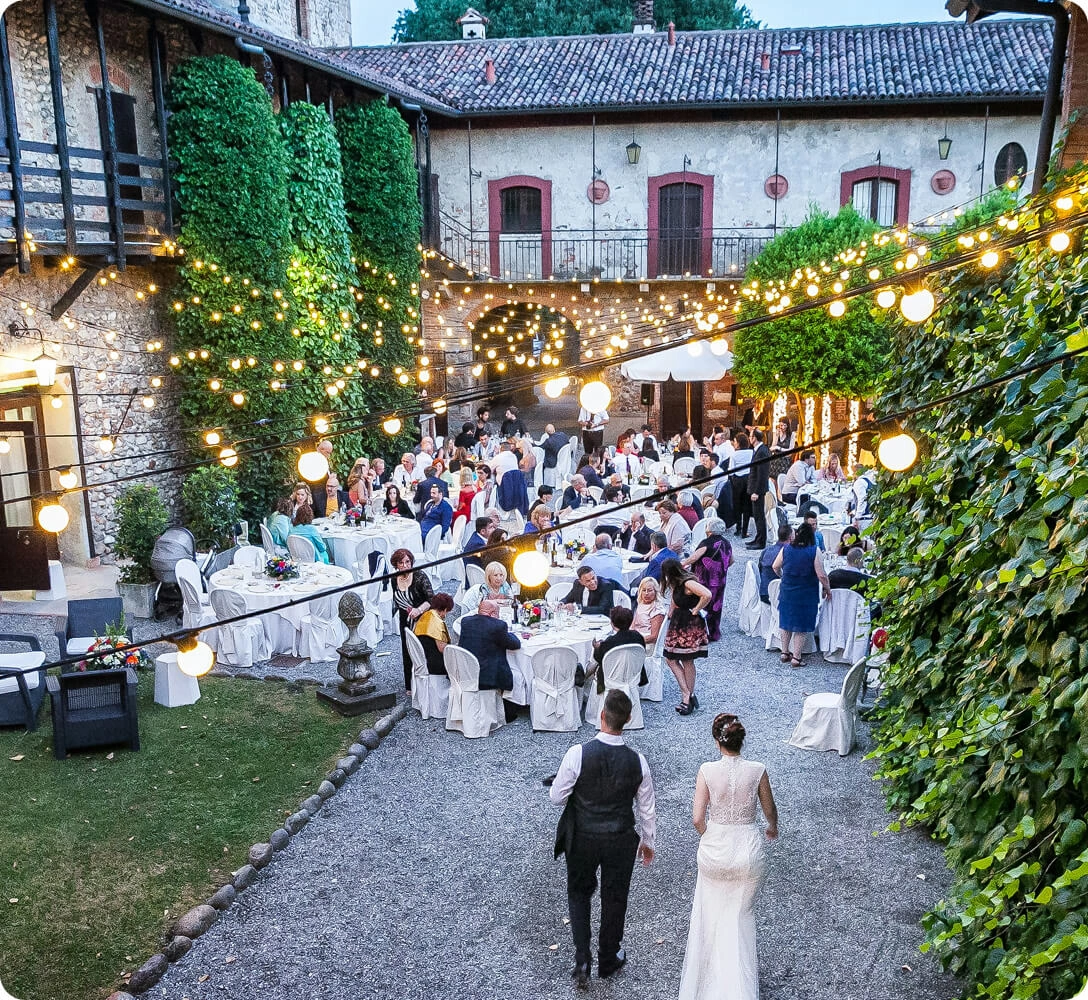
Open seating can work well for smaller, more casual weddings, but most couples choose assigned seating for celebrations with more than 50 guests. Assigning tables helps guests find their seats faster, avoid bottlenecks, and settle into the celebration from the very beginning.
There's no one right way to seat your guests, but most couples follow a few simple guidelines. Immediate family is typically seated closest to the couple, while the wedding party often joins the head table or sits nearby. Divorced parents are usually seated at separate tables with their respective families, children often sit with their parents (or at a kids' table if they're older), and older guests are best placed away from speakers and close to exits when possible.
A head table includes the couple and the wedding party, while a sweetheart table is reserved just for the newlyweds. Couples who want more time together often choose a sweetheart table, while those who want to celebrate alongside their closest friends may prefer a traditional head table. There's no wrong choice, just the one that feels most like you.
Start by grouping guests by how they know you. Family, college friends, coworkers, neighbors, and more. From there, mix personalities and energy levels to create comfortable conversations. Rather than creating a dedicated "singles table," most couples now choose to weave single guests throughout the reception so everyone feels naturally included.
Our team is always here to support you
What is a wedding seating chart?
A wedding seating chart is a visual plan that shows where each guest will sit during your wedding reception. It helps guests find their seats quickly, keeps the celebration running smoothly, and can make it easier for your venue and catering team to prepare. Many couples also create seating charts for their ceremony and rehearsal dinner, or other events where assigned seating is involved.
How should I organize my wedding ceremony seating?
Most couples reserve the front rows for immediate family, grandparents, and the wedding party. From there, guests can be seated by relationship or left open, depending on your ceremony style. If you're hosting a larger ceremony, a wedding seating chart can help guests find their seats quickly and avoid confusion before the ceremony begins.
How do I organize my wedding reception tables?
Start by deciding where you and your partner will sit, and whether you'd like your wedding party to join you or sit with their partners and families. Once that's set, group guests by how they know you, whether that's family, college friends, coworkers, neighbors, or anything else. There's no one right seating arrangement, but keeping familiar faces together is a great place to start.
Does Zola provide a wedding seating chart template?
Yes! Instead of starting with a blank page, we'll ask a few quick questions about your venue, including the number, size, and shape of your tables, then generate a customizable wedding seating chart template to help you get started. From there, simply drag and drop tables, assign guests, and update your layout anytime as your plans evolve.
Can I print my seating chart template and create a poster to display at my wedding?
Absolutely. Once your seating chart is finalized, you can easily download a print-ready PDF to create a seating chart sign or poster for your wedding day. And, if you're using Zola for your paper, your seating chart poster can be designed to match your wedding website, invitations, menus, table numbers, and more for one beautifully cohesive look.
How does Zola's wedding seating chart tool work?
Your confirmed guests are automatically pulled in from your Zola guest list, so there's no need to import spreadsheets or enter names manually. Simply build your floor plan, arrange your tables, assign guests, and download a print-ready seating chart when you're finished.
When should I finalize my seating chart?
Most couples finalize their wedding seating chart one to two weeks before the wedding, after RSVPs are in and meal selections have been confirmed. Since guest lists often change at the last minute, it's helpful to use a wedding seating chart maker like ours that updates quickly and easily.
What is the difference between a wedding seating chart and escort cards?
Seating charts and escort cards both help guests find their assigned table; they just do it a little differently. A seating chart displays everyone's table assignments together in one central location, while escort cards are individual cards guests pick up as they arrive, each with the guest's name and assigned table. If you're assigning exact seats at each table, place cards can be used alongside either option.
How do I display my seating chart at the wedding?
Most couples display their wedding seating chart near the entrance to the reception or cocktail hour so guests can easily find their table before dinner begins. Popular options include framed signs, acrylic displays, mirrors, foam board prints, and posters. If you're looking for a cohesive look, explore matching day-of stationery to create seating chart signs, menus, table numbers, and more that coordinate with the rest of your wedding design.
- Ways to Celebrate All Your Wedding Planning Milestones
- 3 Month Wedding Checklist–The Ultimate To-Do Guide
- 6 Months Til Your Wedding? Here's Your To-Do List